Video
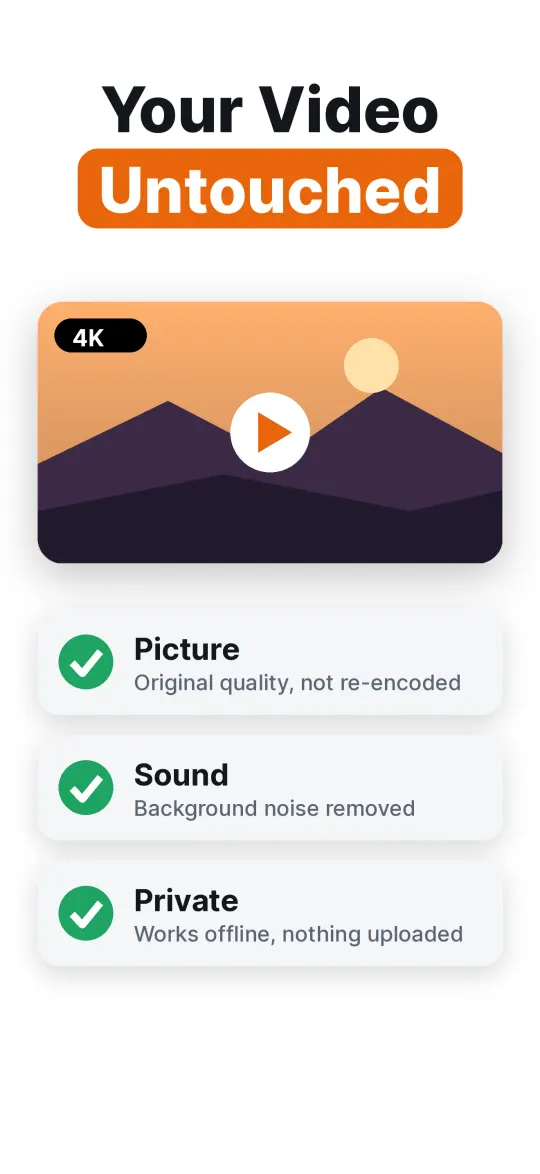
Clean the sound of any video in your library. Only the audio track is replaced, so a 4K clip comes back as the same 4K clip.
AI noise remover for iPhone
Noise Reducer takes wind, traffic, fans, hum and room noise out of your videos and voice recordings. It runs on your iPhone, works offline, and your video keeps its original picture.
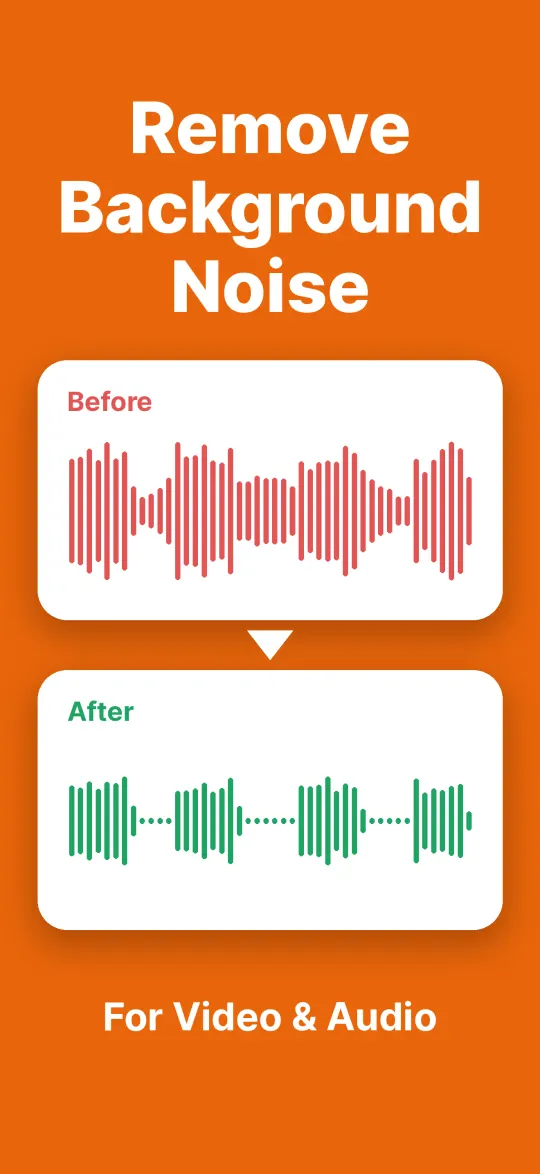
Background noise about 20 dB quieter, voice level almost unchanged.
A real recording, cleaned by the app on the Strong setting. Nothing here was edited by hand.
What it does
You recorded something that matters and a noise got in the way. The app separates the voice from everything around it and gives you back the voice.
Clean the sound of any video in your library. Only the audio track is replaced, so a 4K clip comes back as the same 4K clip.
Voice memos, interviews, lectures, podcast takes. Open the file, clean it, save it as M4A or WAV.
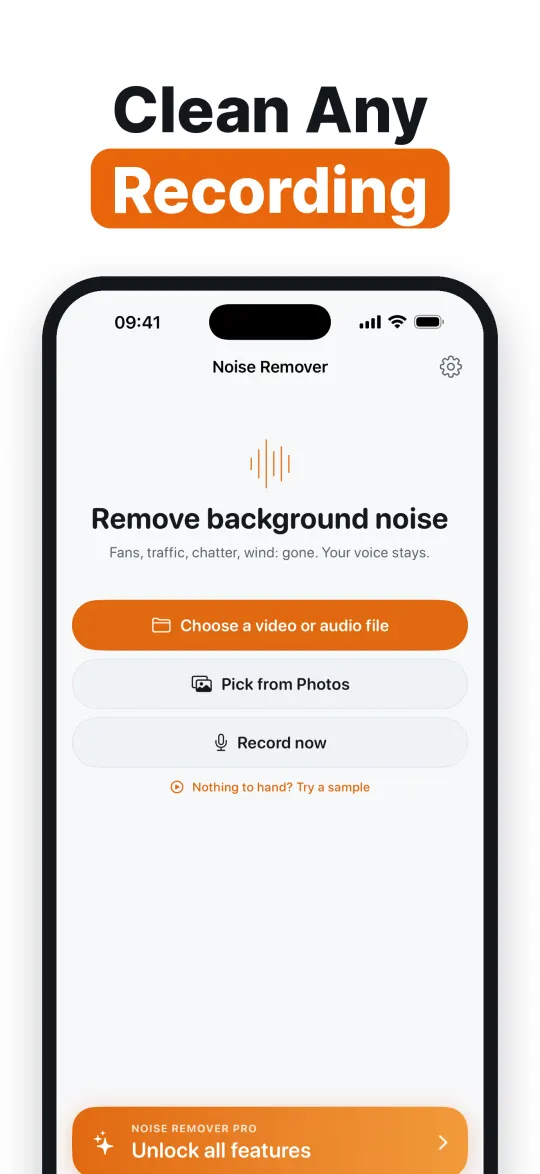
Record audio or video straight into the app and clean it on the spot.
How it works
Pick a video from Photos or a recording from Files, or record a new one.
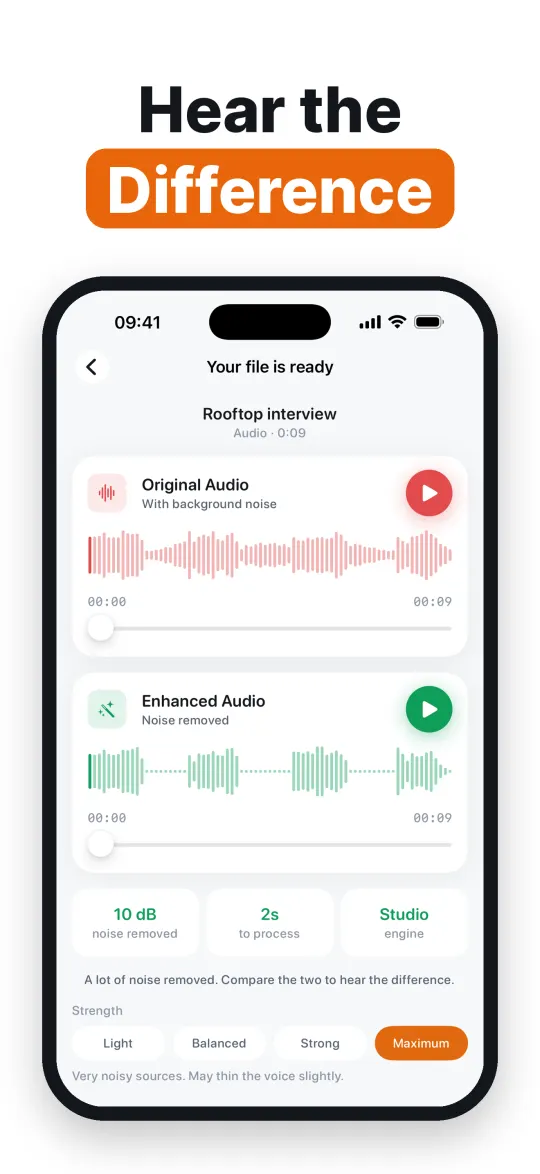
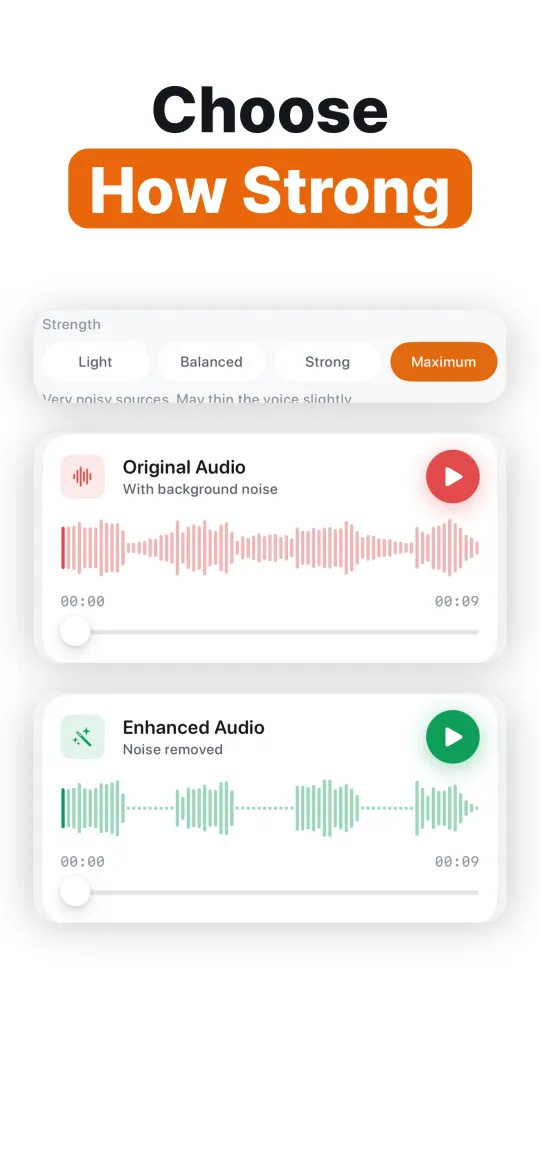
The original and the cleaned version play side by side. Switch between them as often as you like.
From a light touch to maximum. Save to Photos or Files, or share it anywhere.
Why it sounds better
The app runs DeepFilterNet 3, a neural network trained on many hours of speech. Most simple noise removers measure the quiet parts and subtract them, which works on steady hiss and falls apart on anything that moves.
It measures the noise first, then decides how hard to push, so a light hiss and a windy street are treated differently.
The picture is copied across as it is. Not re-compressed, not resized, not re-encoded.
Nothing is uploaded. There is no account and no server. It works on a plane and with no signal.
Seconds for a typical clip, not minutes, because there is no upload or queue.
Save audio as M4A or WAV, or video with the original picture. Save to Photos, Files, or share.
What it removes
Several people talking at the same time is much harder, for this app and for every other one. Deciding which voice to keep is a different problem from removing noise.
Who it is for
Vlogs, TikToks, Reels and YouTube videos shot outside or in busy places.
Takes recorded in untreated rooms, on the go, or over a noisy line.
Lectures, meetings and voice notes you need to hear clearly later.
Birthday speeches and trip videos where the wind took over.
Pricing
Opening files, cleaning them and comparing the result is free. Pro unlocks saving and sharing.
Prices are shown in your currency in the app before you buy. Manage or cancel subscriptions in your Apple Account settings.
One payment. Nothing renews.
Renews once a year until you cancel.
Renews every week until you cancel.
Yes. Open the video in Noise Reducer, listen to the cleaned version, then save it back to Photos. Only the sound changes. The picture is copied across without re-encoding, so the quality stays exactly the same.
Yes. The AI model ships inside the app and runs on your iPhone. Noise removal works in airplane mode and your files are never uploaded.
Yes. Wind is one of the noises it handles best, together with traffic, fans, air conditioning, hum and hiss.
Opening files, cleaning them and listening to the result is free. Saving and sharing need Pro, available as Lifetime, Yearly or Weekly.
Audio as M4A or WAV. Video as MP4 with the original picture untouched.
Yes, the app runs on iPhone and iPad.
Not reliably. It is built to remove noise around a voice. Separating overlapping voices is a different problem that no single-microphone tool solves well.
Guides
Open a video or voice recording, listen to the cleaned version and compare it with the original before you pay for anything.
Download on the App StoreFree to try on iPhone and iPad